Collab with Jacob Heath
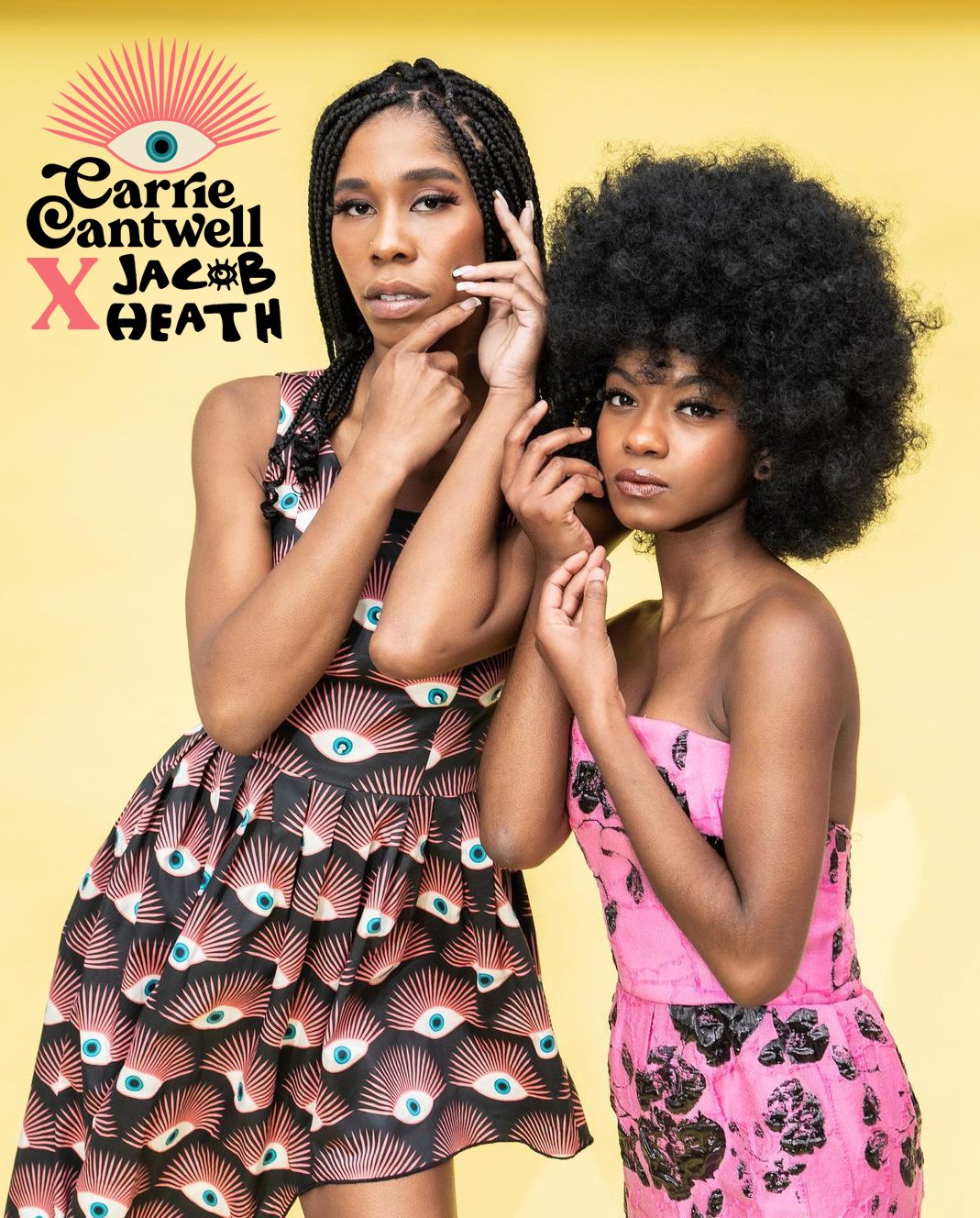
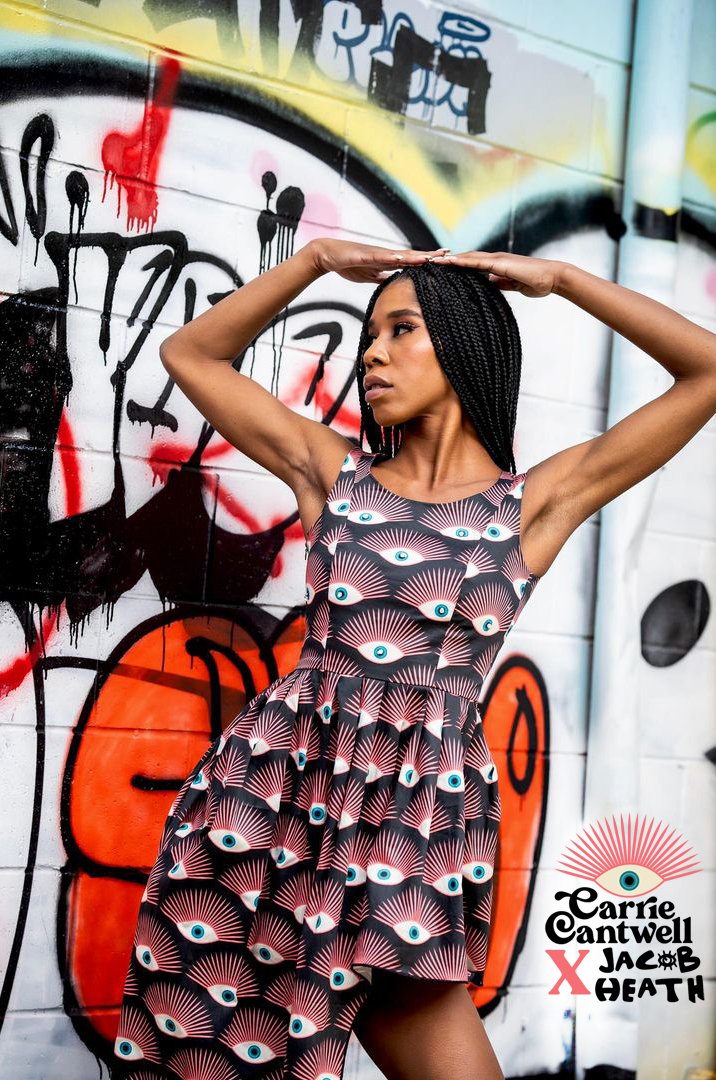
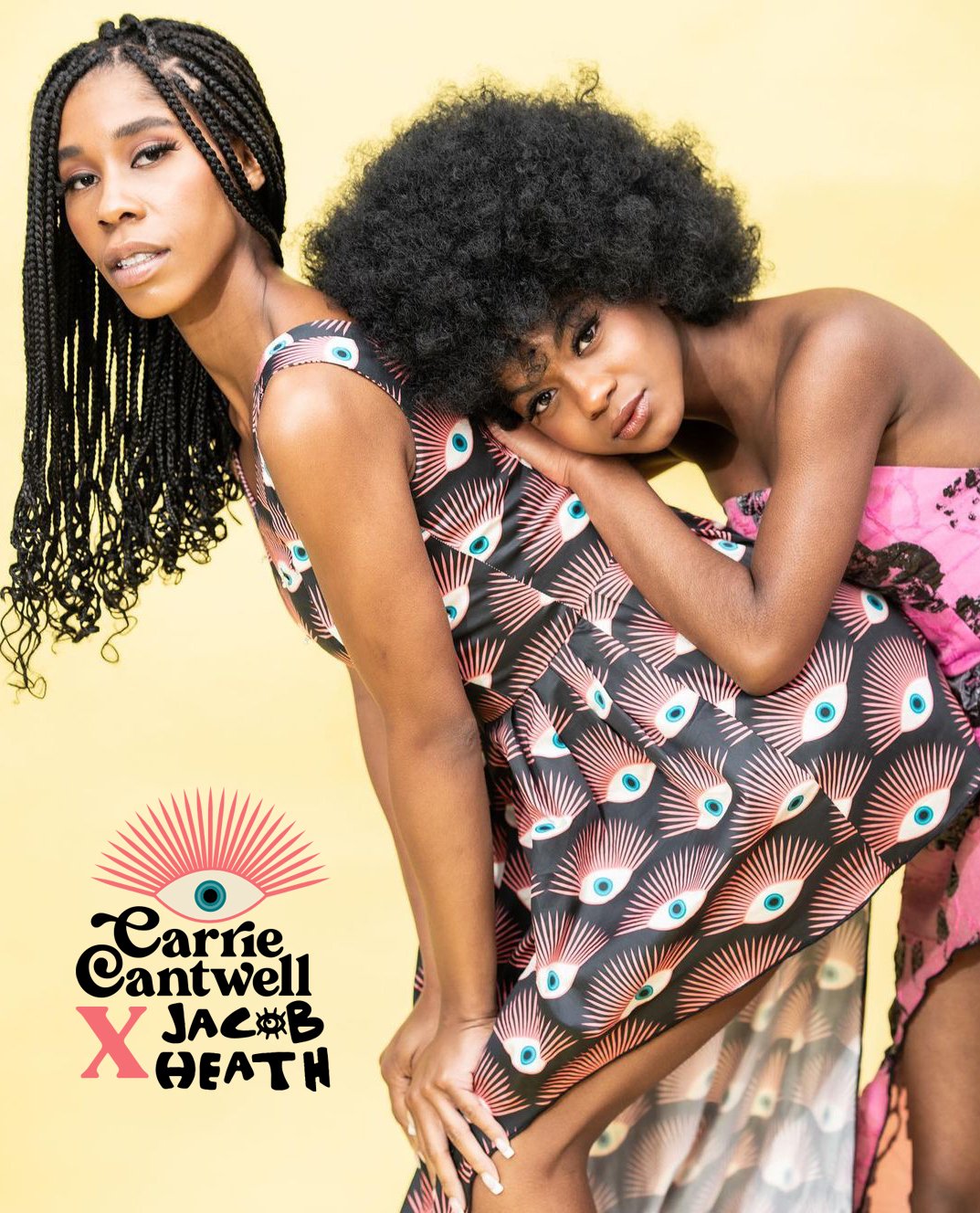
Check out my latest project with talented fashion designer, Jacob Heath!
His fashion brand used my Art Deco Eye pattern for a runway dress and photo shoot.
He even embellished it with beautiful beads. I couldn’t be more proud!



Carrie Cantwell x G&Silk
My Snakes + Flowers design has been licensed with G&Silk! I love seeing my art come alive on this gorgeous silk scarf.


Yes, I’m using Procreate!

I’ve been not only playing with texture, I’ve been having fun with puns!
Most of you who know me are aware that I’m typically a vector girl. Maybe it’s because I started out as a graphic designer; when you’re designing logos for brands, it just makes sense to stick with programs like Adobe Illustrator. But lately I’ve been venturing more into the world of texture through Procreate. Some of my favorite new pieces are silly puns like this Borgi one which is full of yummy texture, rough edges and shadows. I think somewhere in the back of my mind, I’ve been railing against the ever-increasing prevalence of ai-generated art, so I’m trying to really show my hand-done touches more and more. And for right now at least, Procreate is the best way for me to do that.
Because I’m doing more traditional drawing on my iPad using Procreate, I’m doing a lot less anchor point pushing and pulling and more loose scribbling. That means my hand is often resting more on the iPad as I draw, as you can see in this picture.
Fun Fact About Me > > > I’m a LEFTIE!
I don’t know for sure, maybe it’s just me, but I’m completely unable to draw or write without dragging the side of my left hand on whatever surface I’m using as my canvas. When I write birthday cards, I have to either use a very non-streaky ball-point pen, or I have to write them backwards. I prefer more inky pens that kinda leak and take a second to dry, but if I’m not careful, the ink smudges all over the paper and makes a huge mess, and then my hand looks like I smeared it with ink. That’s not the look I want, obviously.
There are ways on both the iPad and in the Procreate app itself for you to turn off hand-pressure sensors, so you don’t accidentally smudge what you’re drawing, but I think those need more re-tooling for us lefties. I’ve tried everything, and even with my settings just so, I still end up with weird, accidental stray marks. That’s why I use these awesome drawing gloves every time I create. They not only keep me from smudging the art or making weird extra marks, they also help my hand slide along the screen a bit more smoothly. I use the Paperlike screen protector which makes drawing feel more natural, since it gives the slick glass screen more of a paper-like tooth, but then I lose a bit of that smooth motion since I rest my hand on the screen (hello, leftie). So again, the gloves really help keep things moving along and feeling natural.
Wanna watch my process?
Check out this video showing my start to finish, from my initial sketch to the final art.
As you can see (if my thoughts are coming through in this time-lapse replay) I make a lot of decisions as I go, even after my initial sketch, and sometimes what I end up with isn’t exactly what I’d planned on. Regardless, I still think my Borgi turned out pretty cute. Hopefully s/he makes people laugh. Maybe I’ll sell it as stickers soon… I’ve been thinking about opening an Etsy shop!
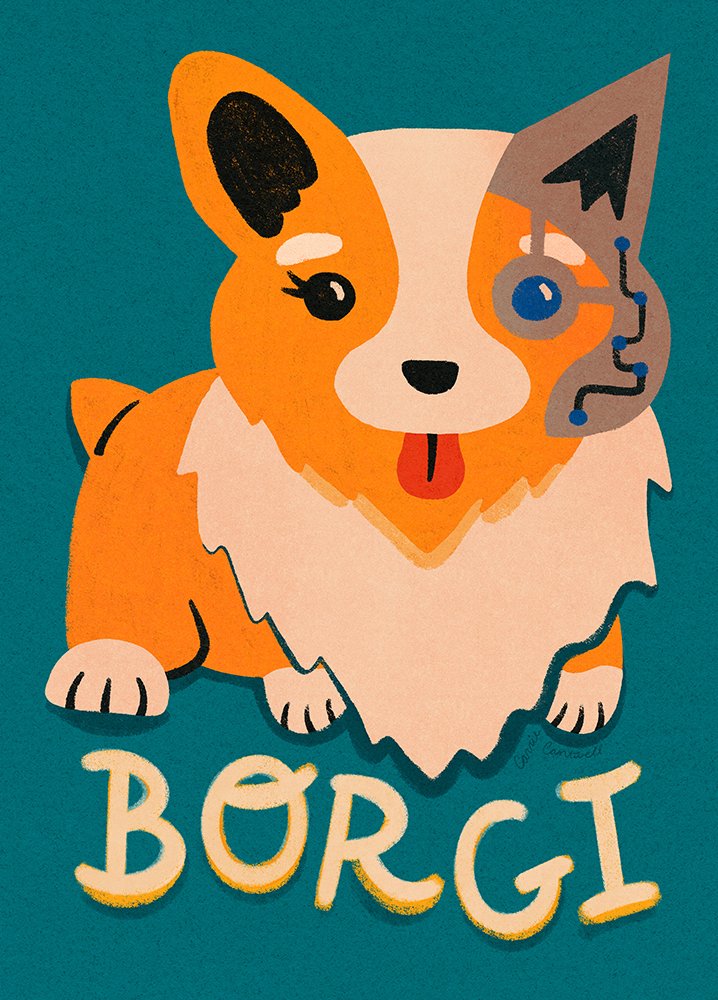
Time will tell how much further down this texture rabbit hole I go. I may get sick of it and revert back to my smooth vector-y art, but for now, I’m having fun! Until next time, my friends! Thanks for reading :)
Princess Awesome Feature!

Check out my feature on the Princess Awesome website! I’m overjoyed that they chose to feature me and my art. And please be sure to visit their cool online store, they’re a wonderful company that supports girls in STEM, plus their clothes are super cute!
SkillShare Email Feature

SkillShare featured my new class: Lifestyle Mockups to Sell Art + Get Design Work in their Discover This Week email blast! And I’m at the top of the email!
Creatsy Collab
Check out my latest collaboration with Creatsy, who I partnered with for my new SkillShare class: Lifestyle Mockups To Sell Art & Get Design Work.
Check out my partner feature on the Creatsy website! I’m so proud to partner with them.
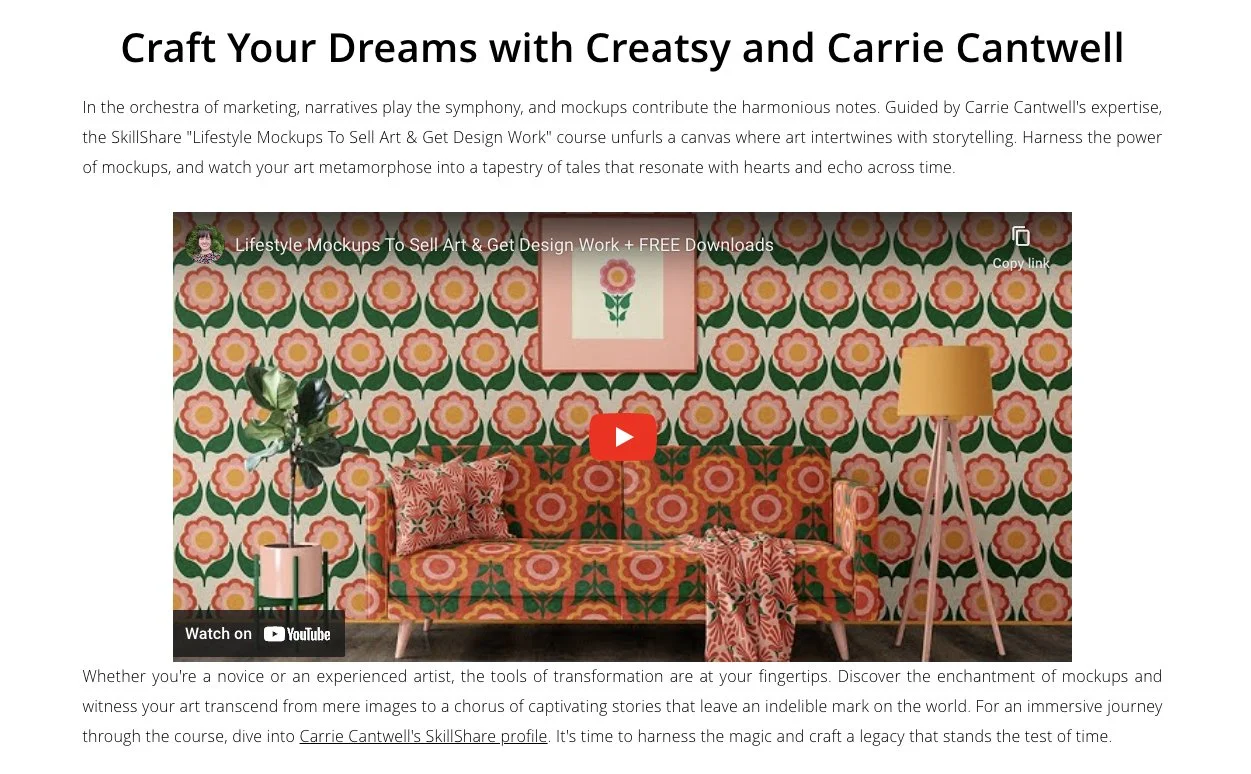
I’m so proud to partner with such a reputable mockup company. Creatsy has hands-down the best selection of beautiful lifestyle mockups to elevate your brand and market yourself as an artist.
Alice + Ames Email Feature
Alice + Ames featured my Fantastical Forest floral pattern on their cute tank shortie jumpsuits in their summer email newsletter! Woo hoo!

My pattern at Alice + Ames!
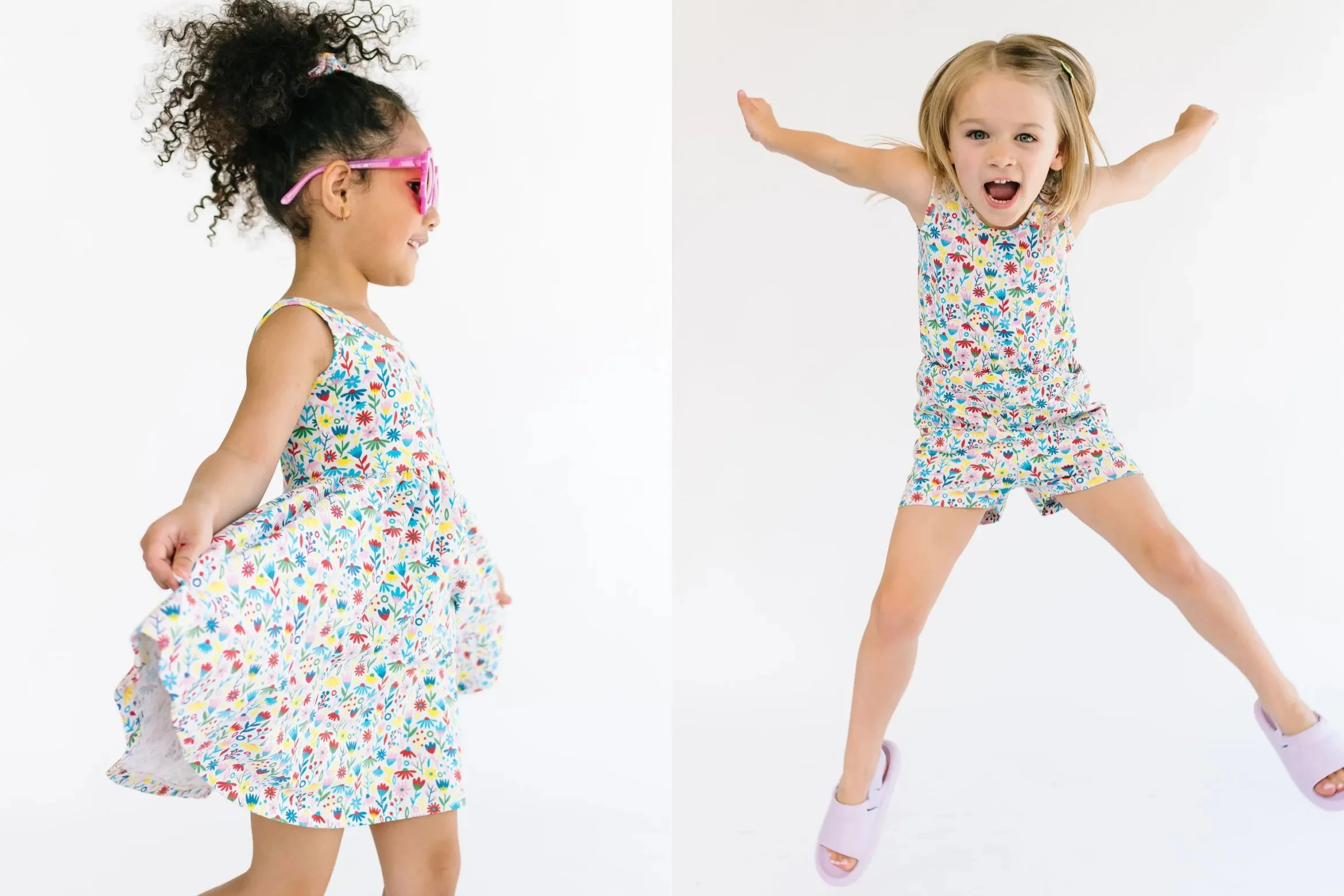

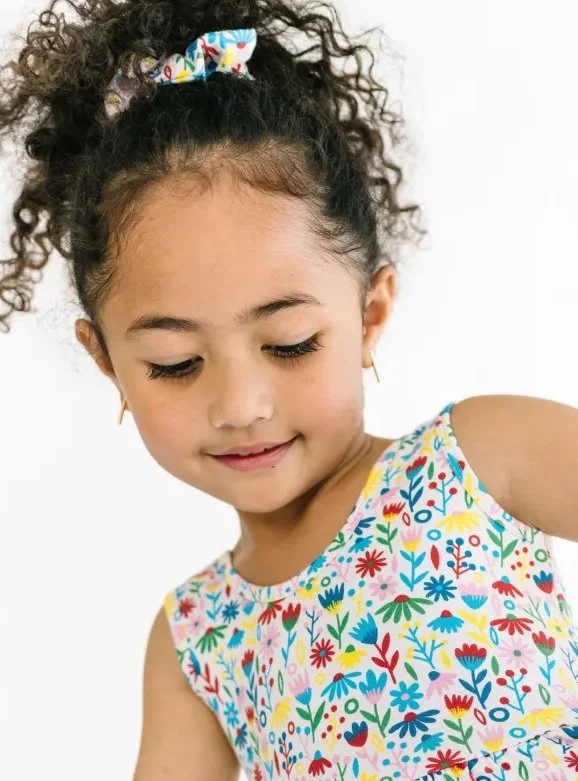

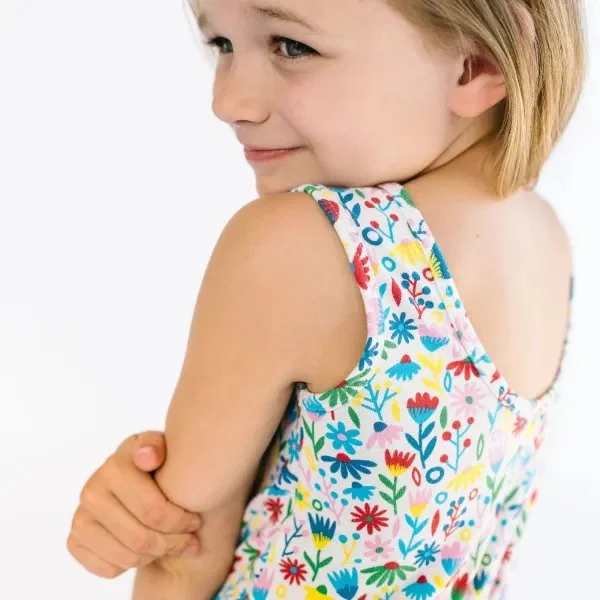
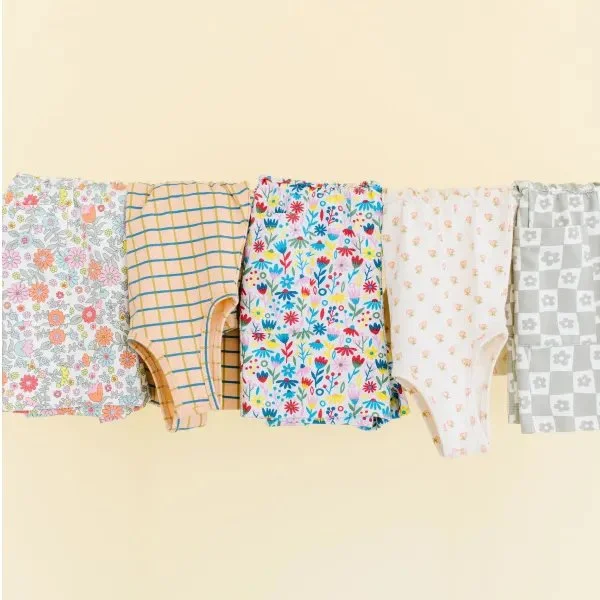
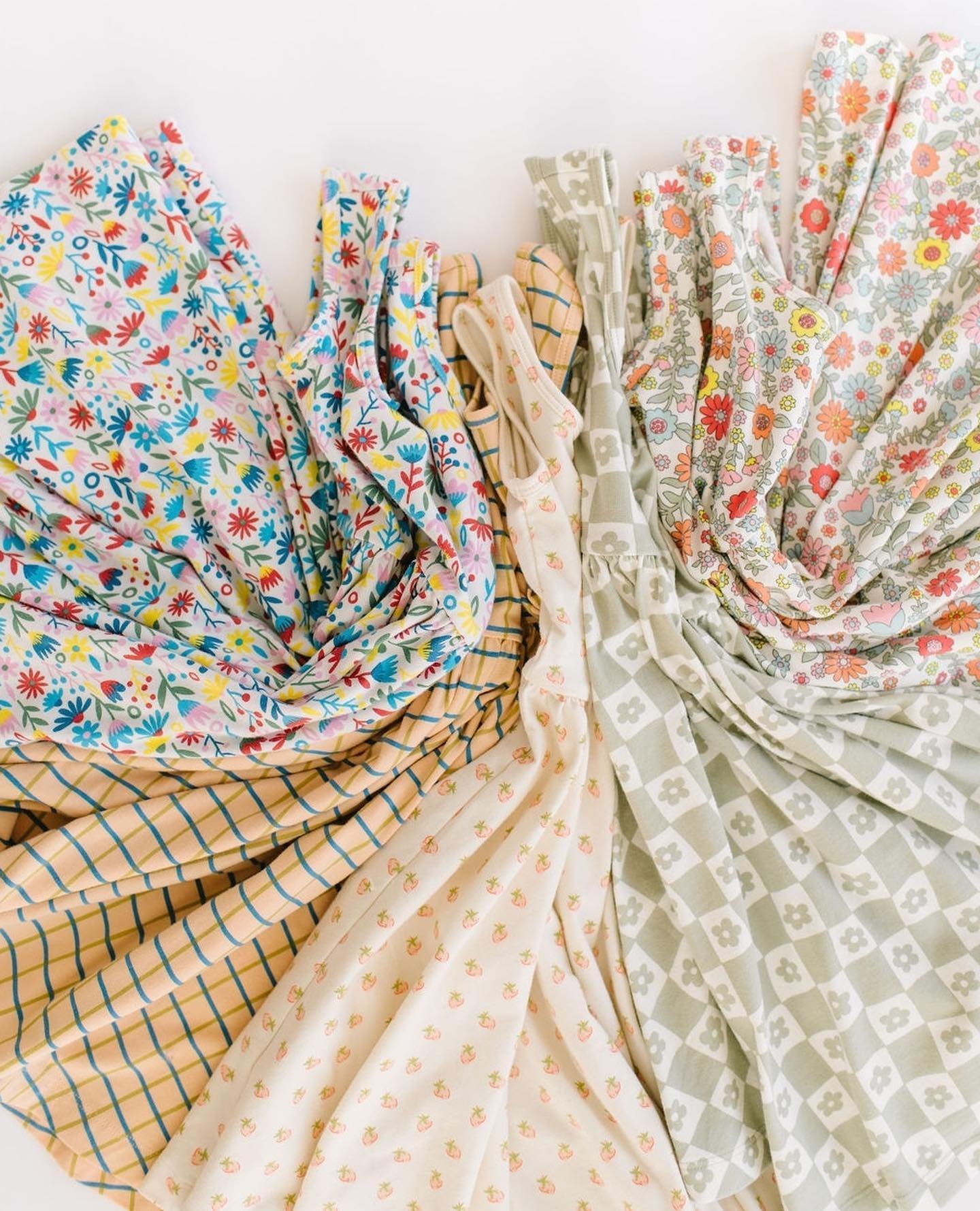

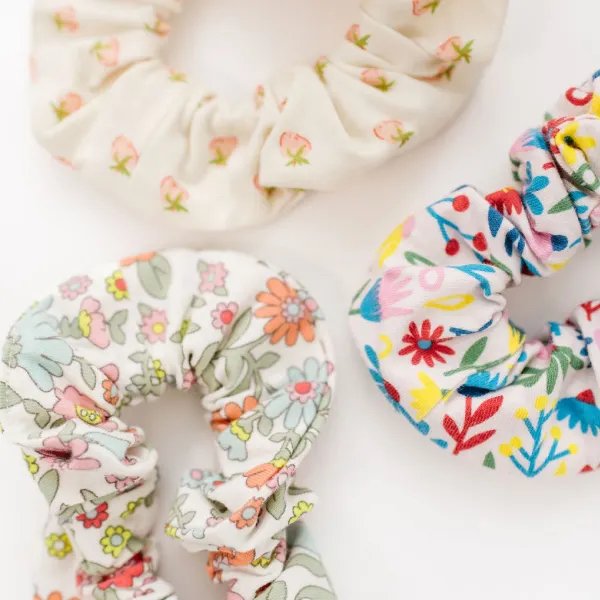
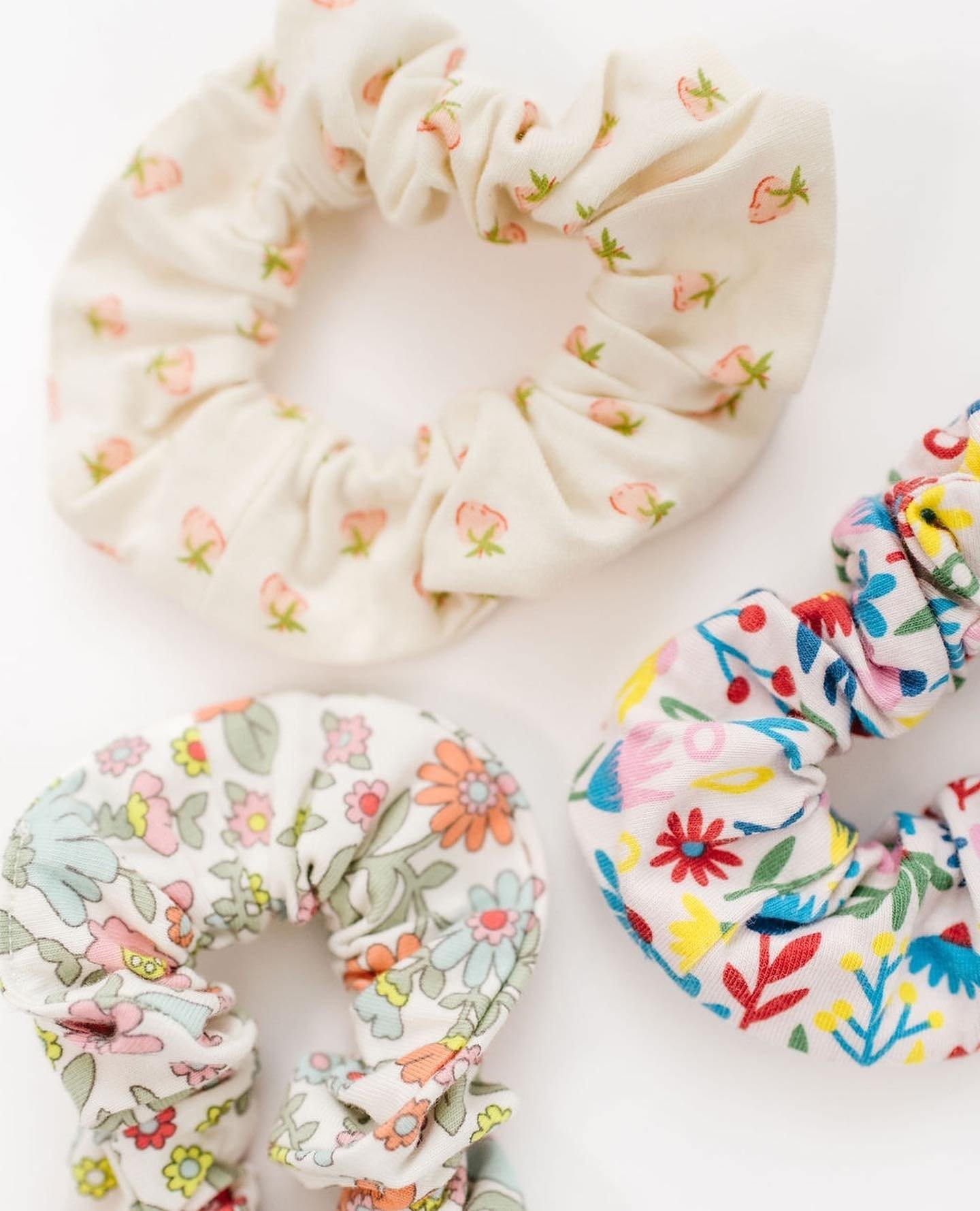
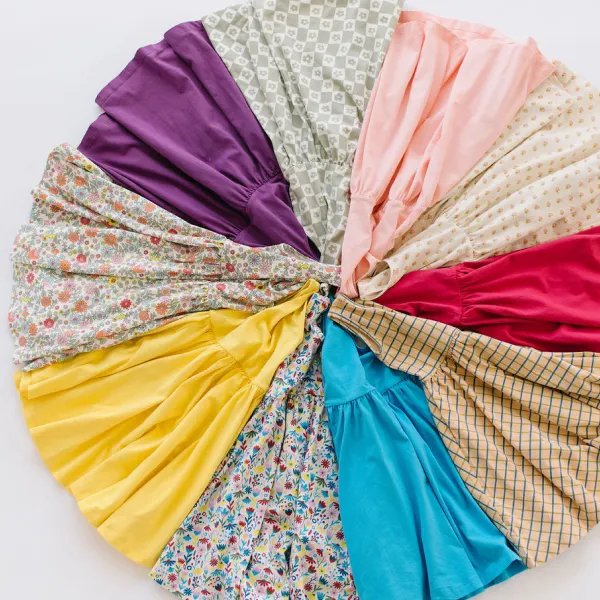
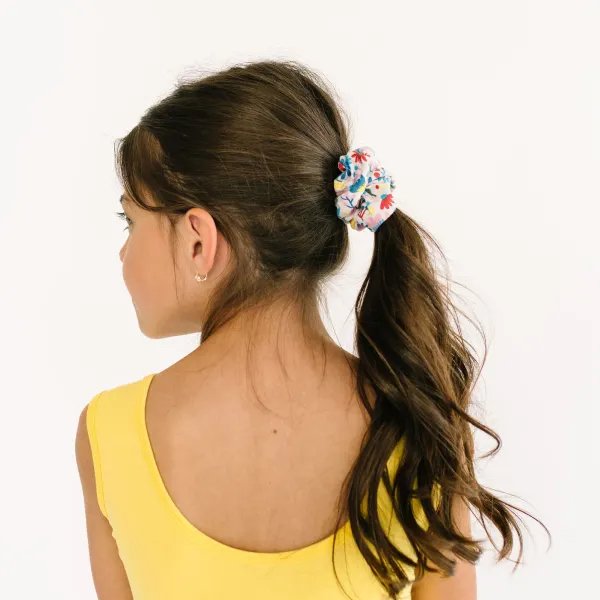
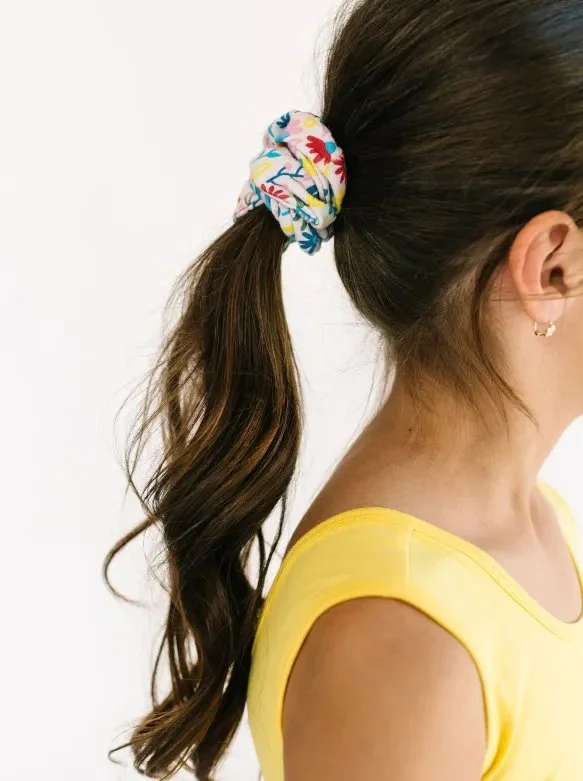
Woo hoo! My Floral Pattern is at Alice + Ames!
I'm over the moon! It's part of their new Summer Tanks Collection and the drop is tomorrow June 2, 2023 at 11 AM EST.
I’m in UPPERCASE Magazine’s 5th Surface Pattern Design Guide!

UPPERCASE is an ad-free, entirely subscriber-supported quarterly art magazine that's inspiring and beautiful, and it's made just for us creatives and makers in the fields of graphic design, typography, surface pattern design and craft.
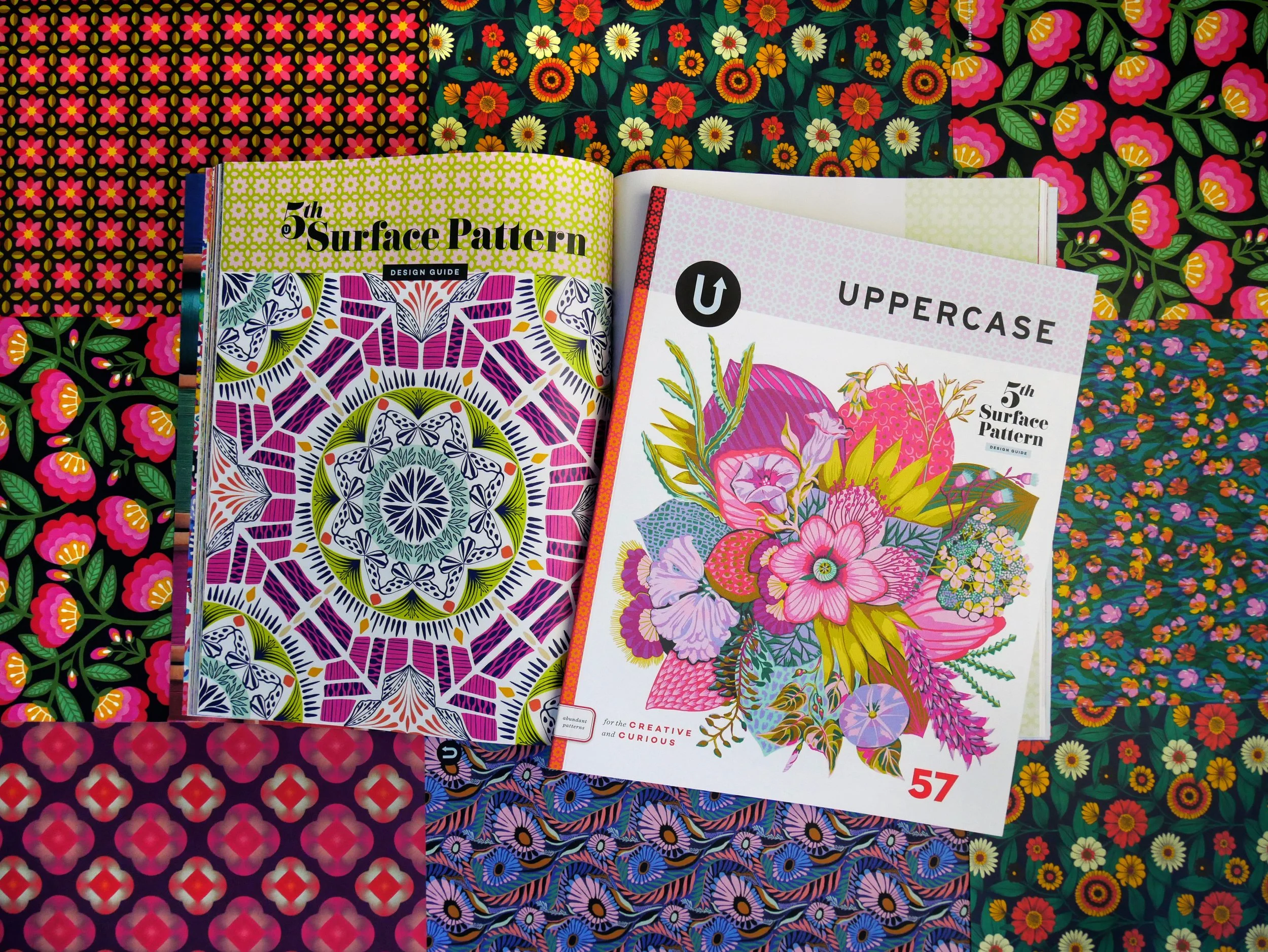
I'm so honored to be featured among so many talented surface pattern designers.
Spoonflower QuiltCon Feature!
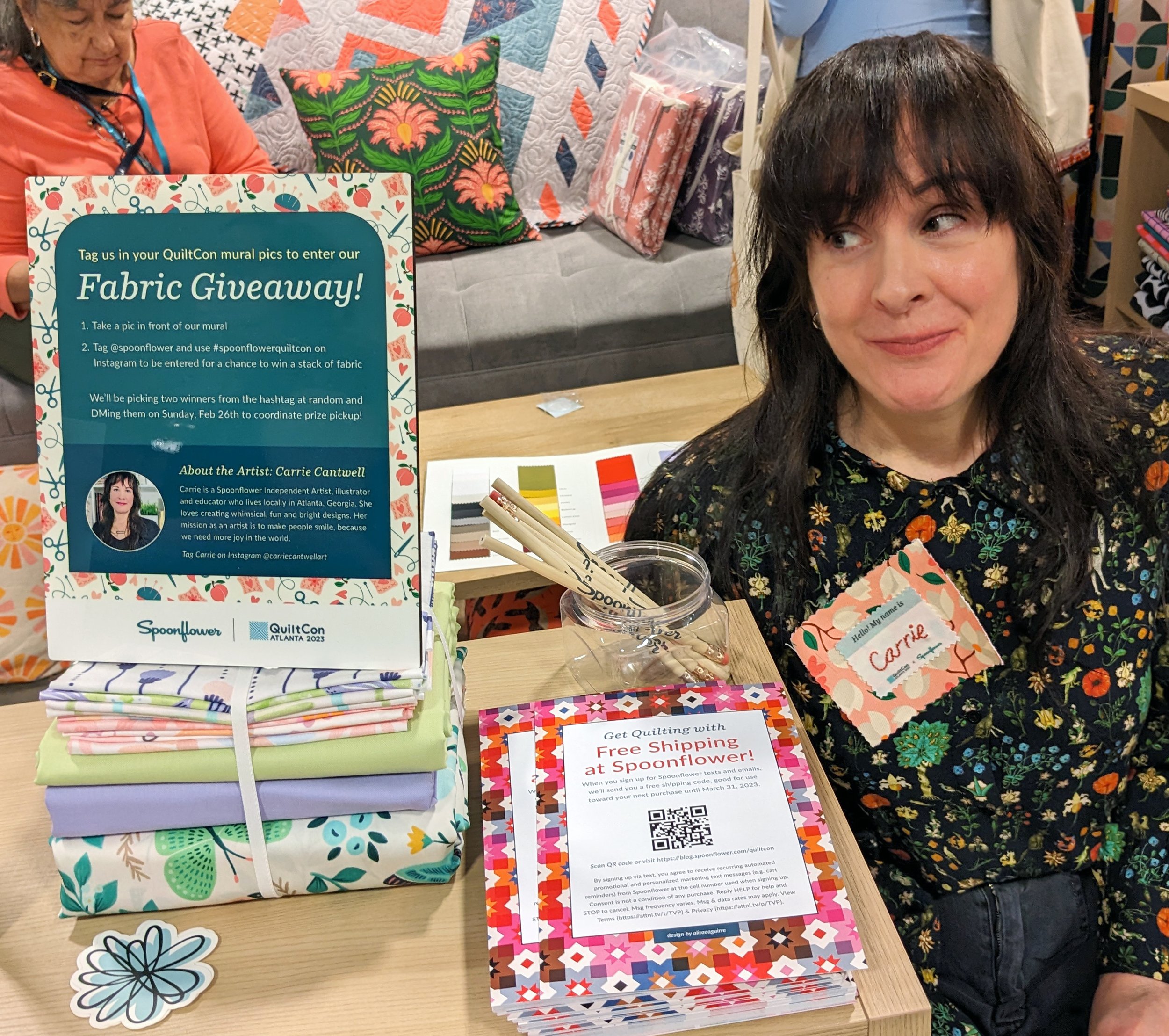
Not long after I started filming my latest SkillShare class—Spoonflower Success Secrets: Patterns For Print on Demand—Spoonflower contacted me, asking if I wanted to design a mural and two custom patterns for their QuiltCon 2023 booth! Um…yes please!
How's that for serendipity? I was delighted not only for the opportunity to create some special designs just for Spoonflower at QuiltCon, but I also attended the event, so I finally got to meet some of my heroes in person!



Look who’s featured in the February 2023 issue of Surface Design News!

I’m so honored to be the February 2023 Featured Artist in Surface Design News!
60x60 Project Feature

I’m so honored to be featured in Bonnie Christine’s 60x60 Project! It’s an hour-long event in which 60 successful artists (like myself!) share their tips for earning income from their art.
I share some helpful tips on making the most of your patterns and leveraging your art on Spoonflower. Want to hear my answer?
Spoonflower Feature

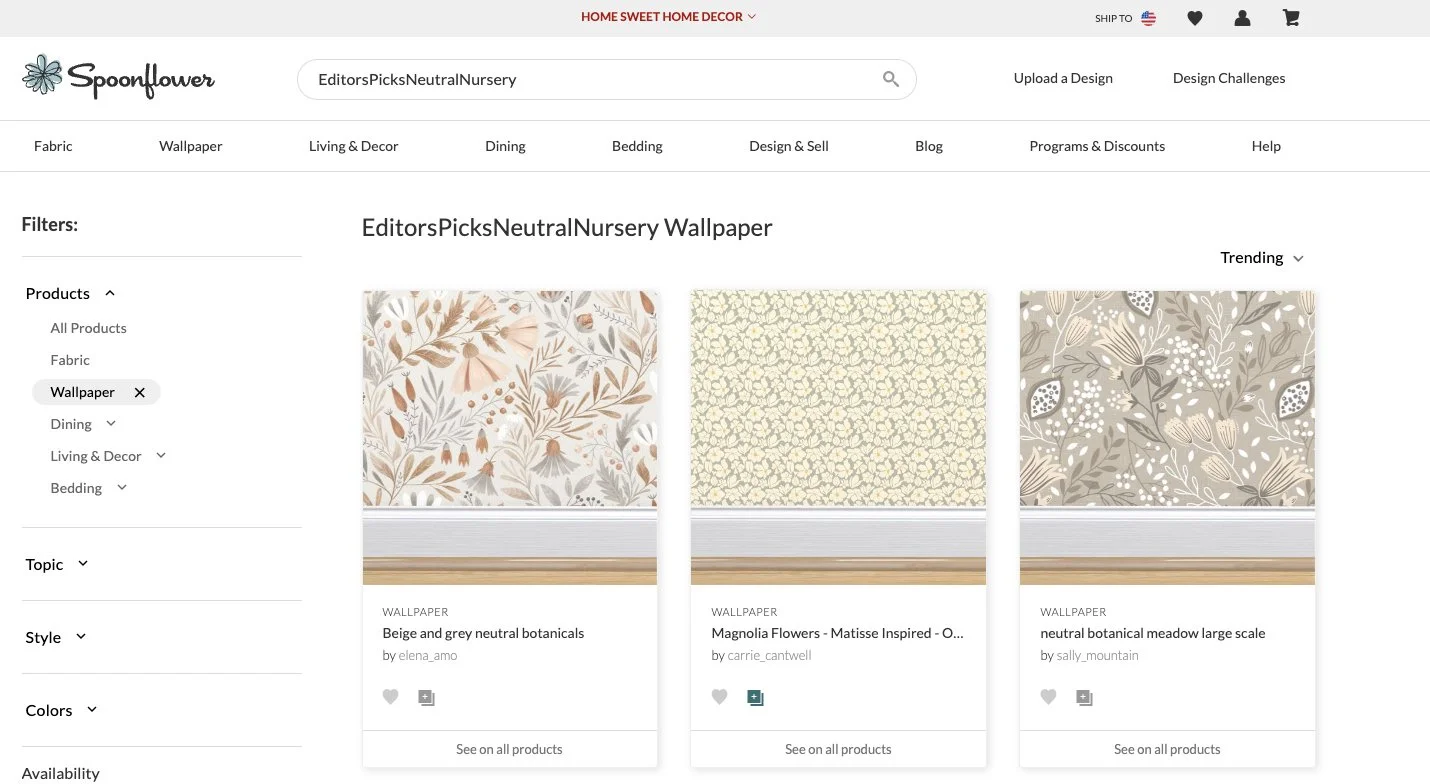
Neutral Nursery
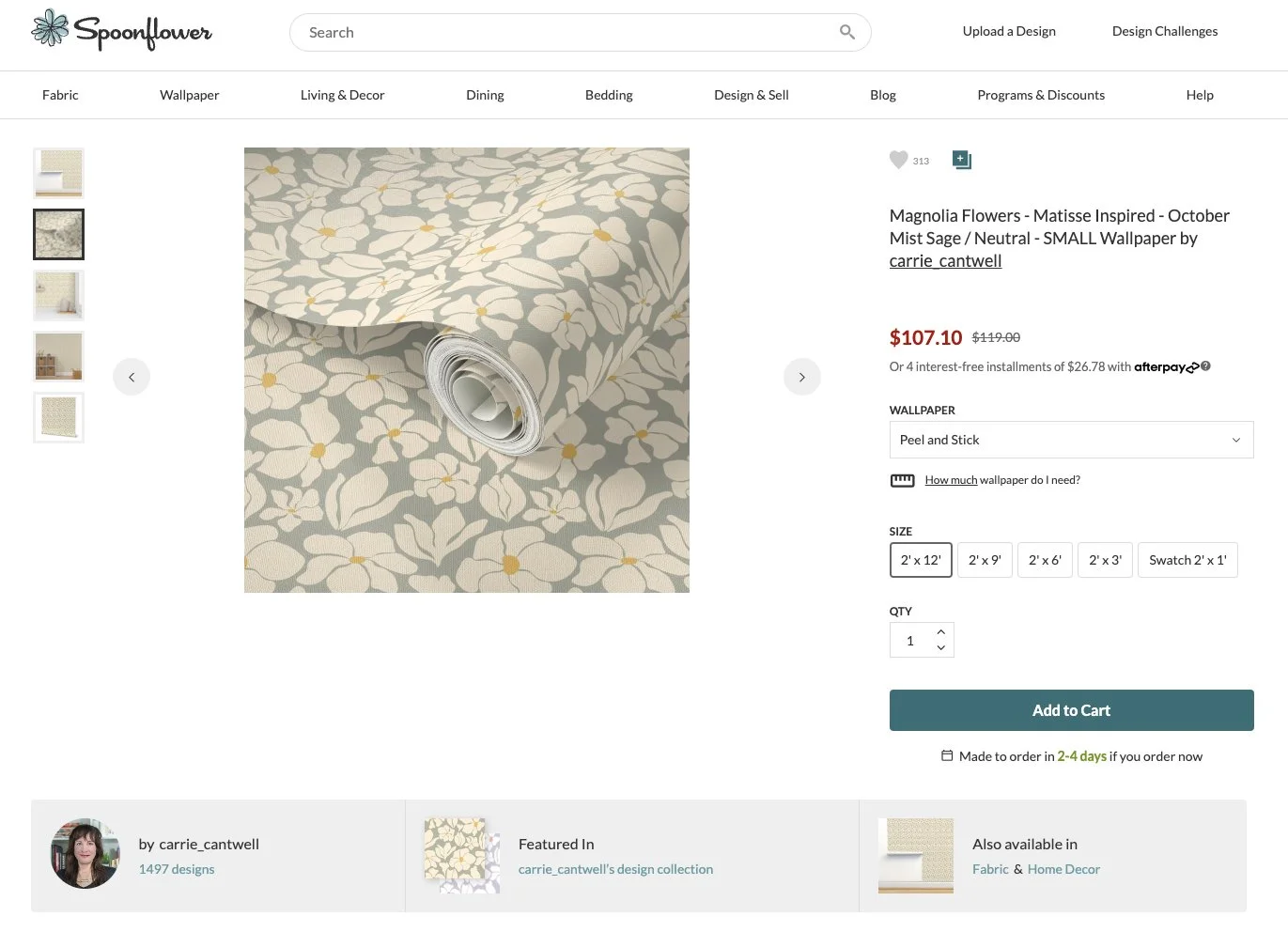
Spoonflower featured my Flower Market pattern in their Editor's Picks collection.
Won 3rd place in Bonnie Christine’s 5 Day Pattern Challenge!
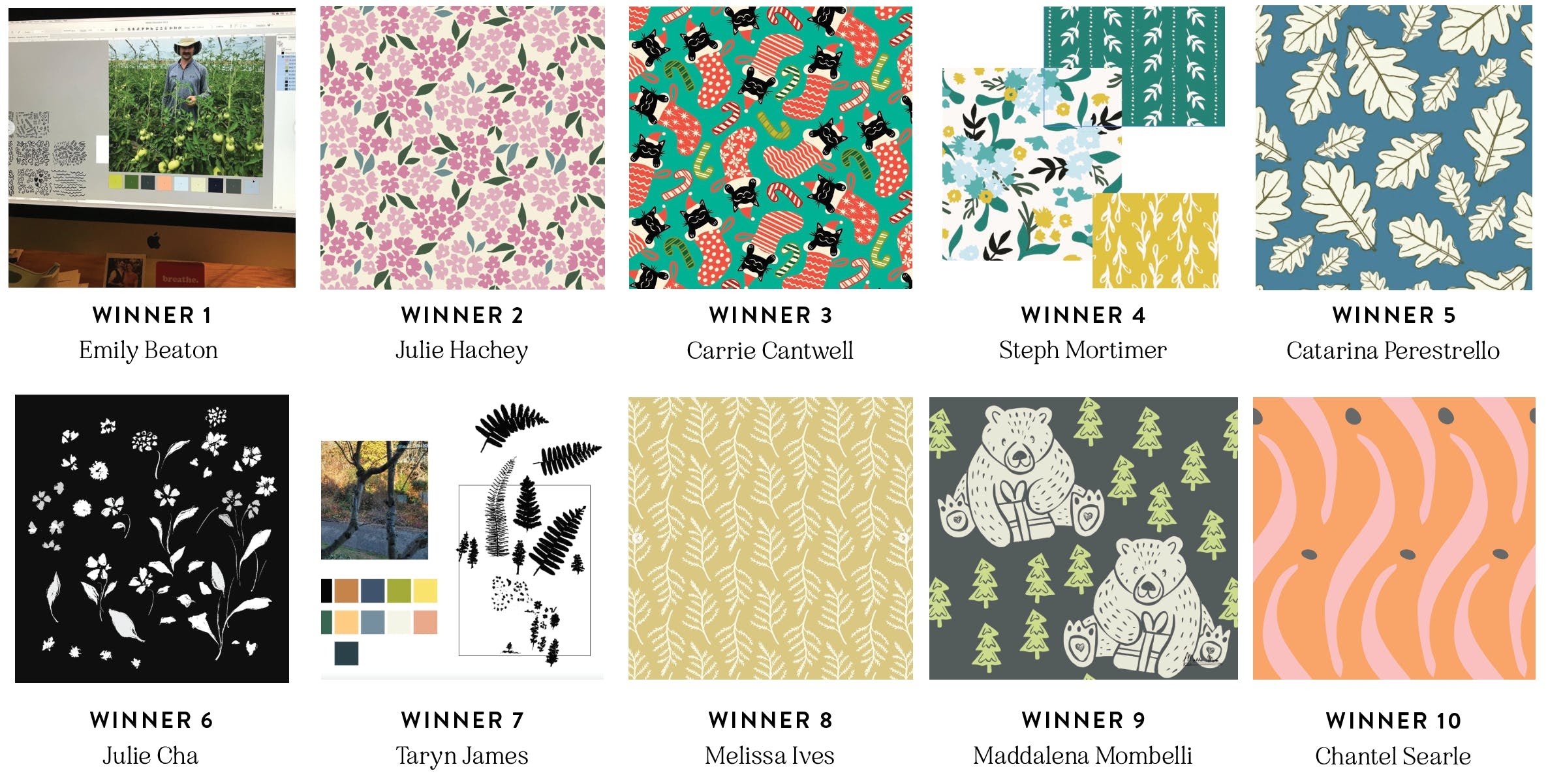
I’m honored to have been featured alongside so many talented artists! Bonnie Christine’s free 5 Day Pattern Challenge was a fun project and I’m so glad I participated!
Redbubble Featured my art!
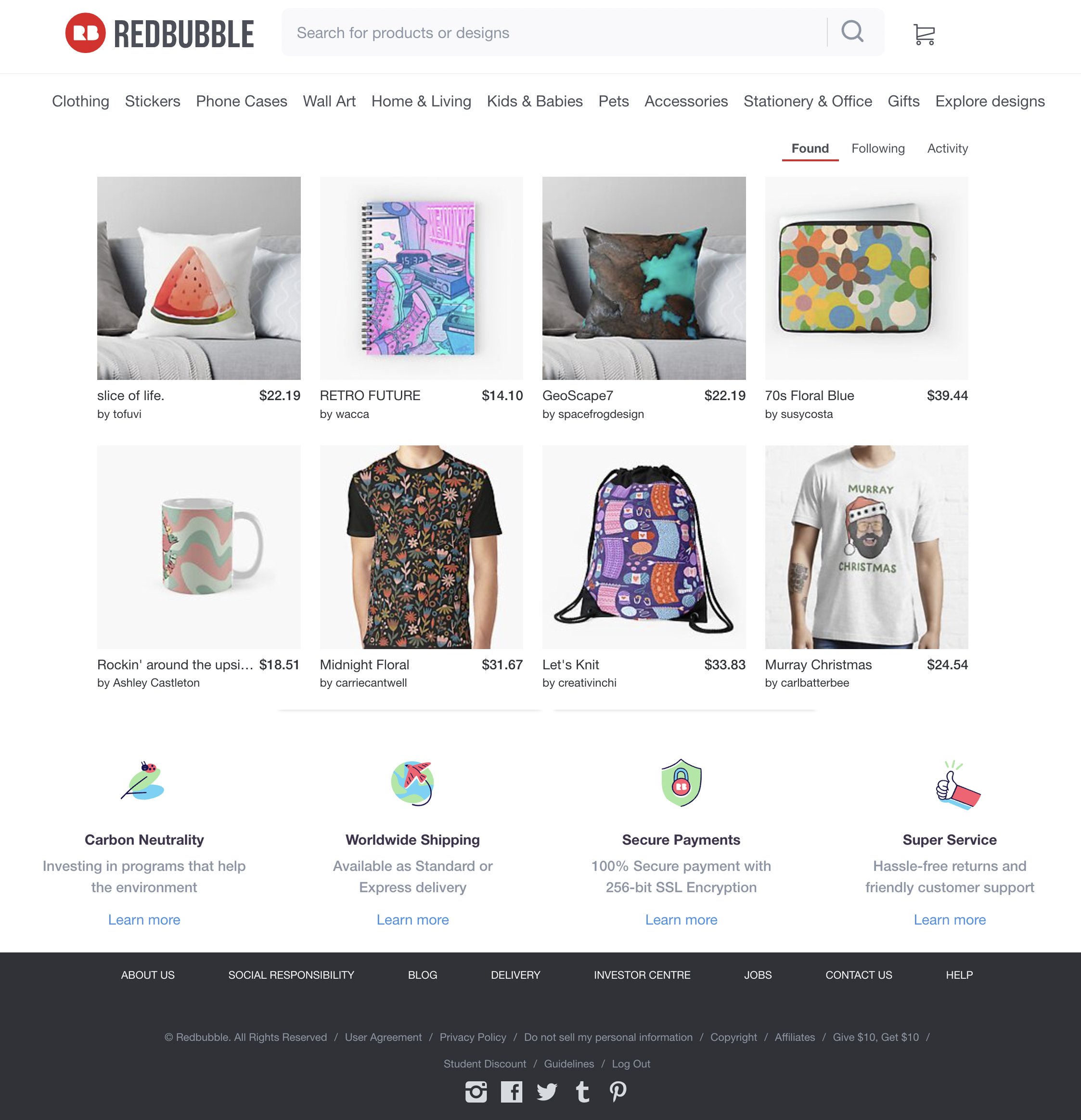
I’m overjoyed that I’ve been featured on Redbubble’s highly sought-after curated list “Found!” It’s an honor to have been chosen among thousands of talented artists.
Surface Design News Featured My SkillShare Class!
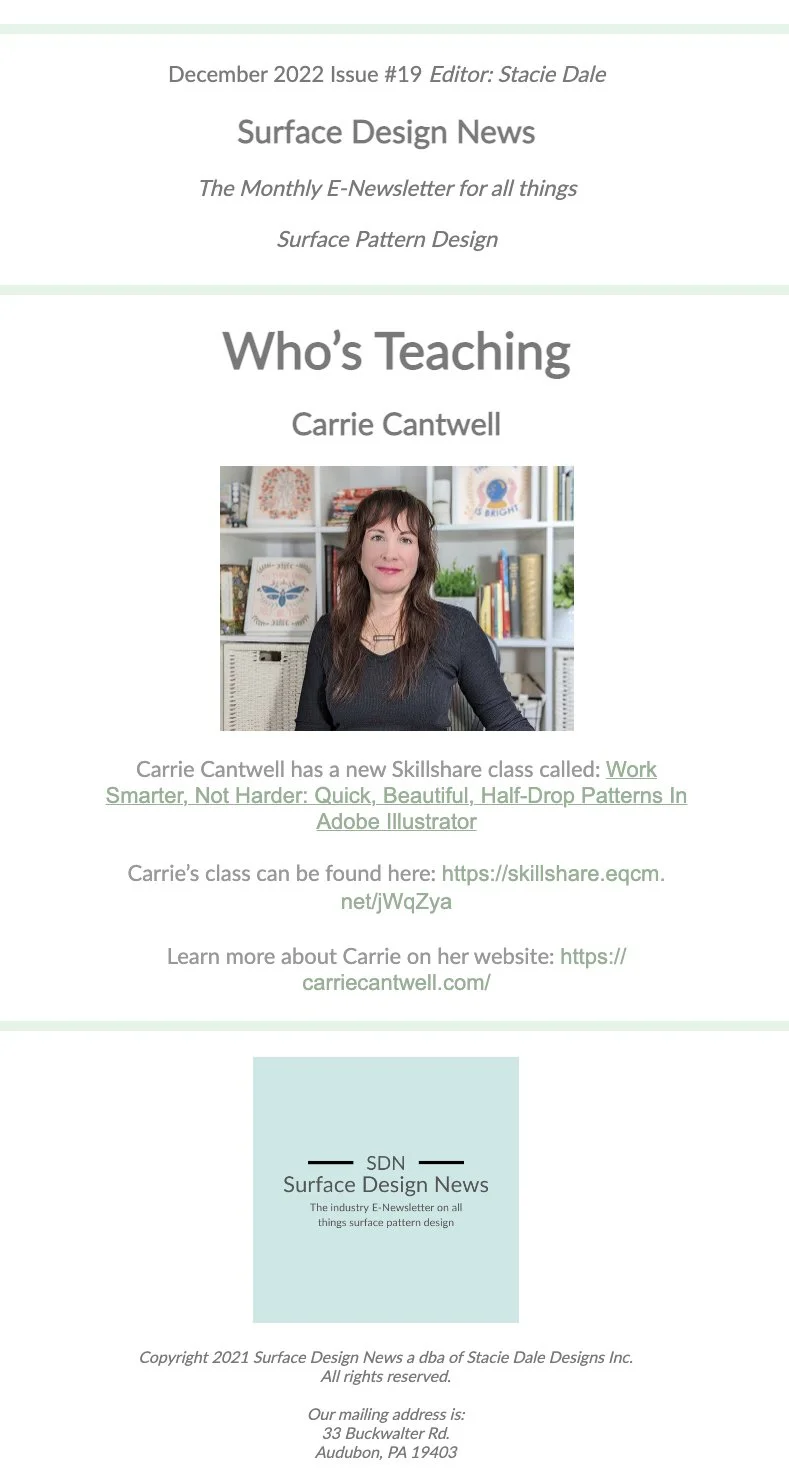
I’m delighted that Surface Design News has featured my SkillShare class! It means so much to me to get recognition from a professional publication like this.
SkillShare Featured my class!

I’m so proud that SkillShare promoted my class: Quick & Easy Half-Drop Repeat Patterns Using Smart Actions in Adobe Illustrator
Don’t have a SkillShare account yet? Sign up here and you’ll get a 30 day free trial. You’ll unlock unlimited access to my class, plus thousands more. Signing up through my link gives you a longer free trial than if you sign up on your own!
Spoonflower Trending Feature: Boho Fabrics
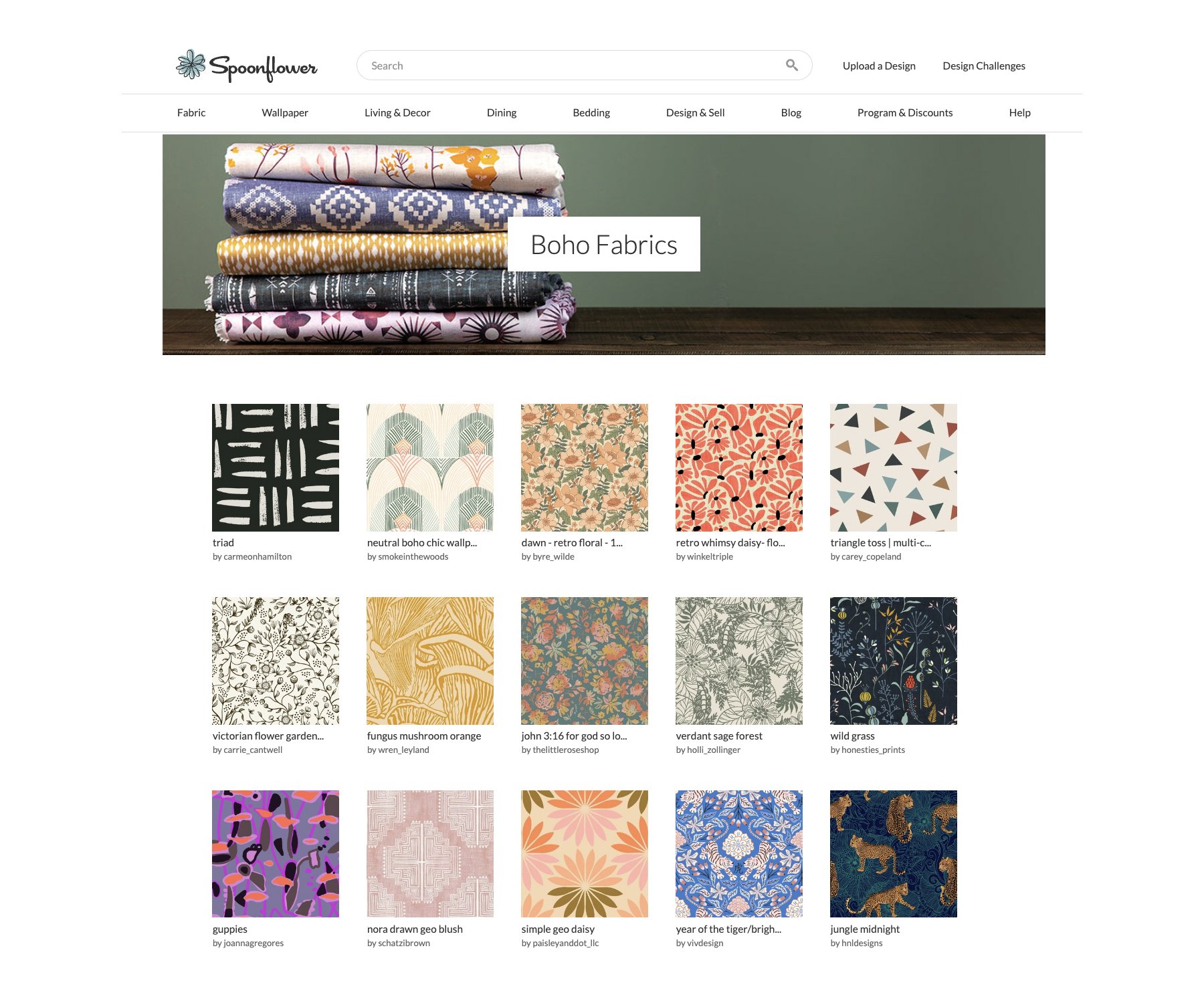
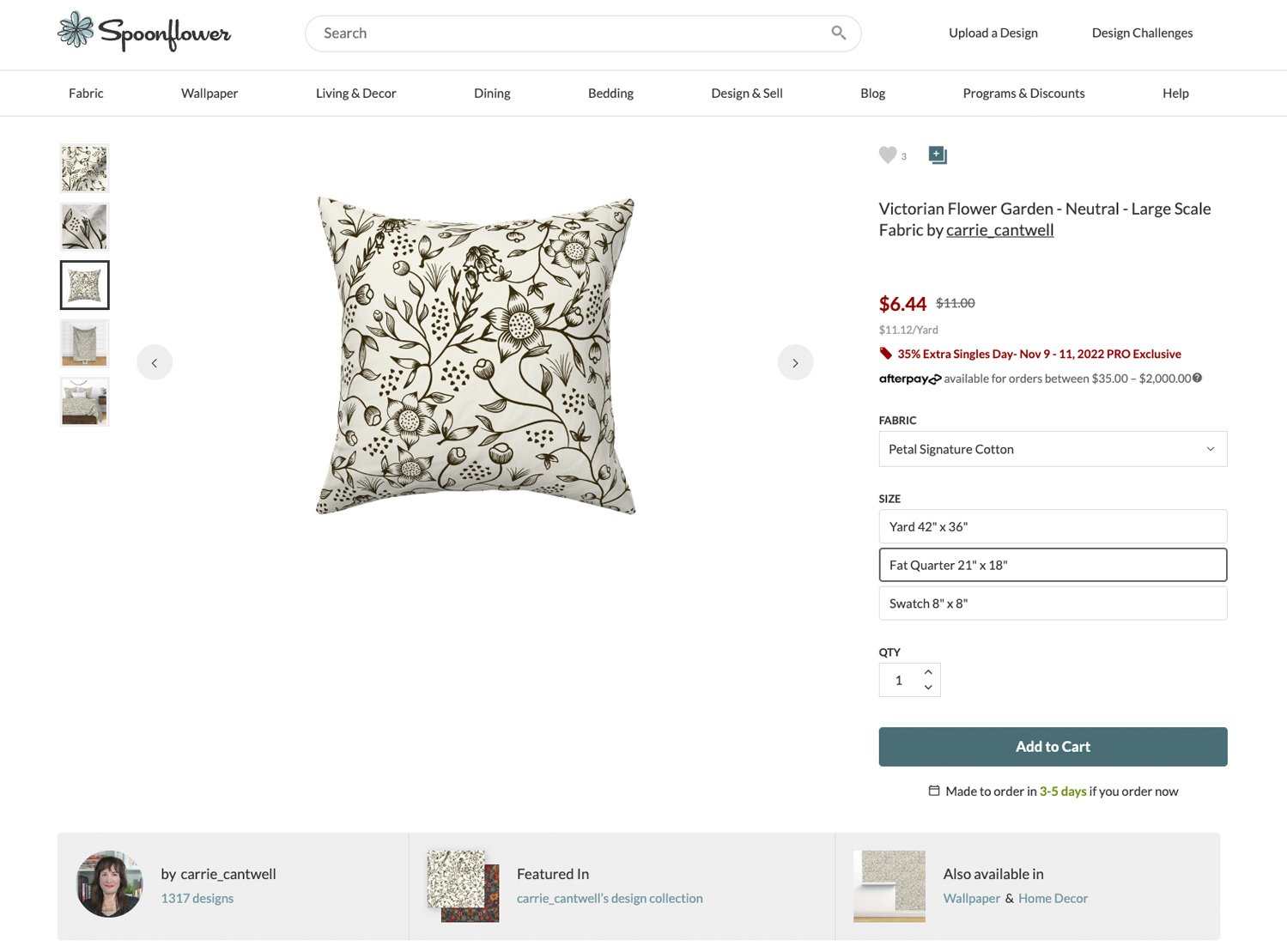
Spoonflower featured my Victorian Flower Garden pattern in their curated Trending Boho Fabrics collection!
I’m teaching online!

Please join me for my first ever SkillShare class!
OK, so I was a bit nervous about being in front of a camera, but I pushed through it because I was so driven to create this class. You may want to grab some snacks, this is going to be a long one. This subject is so close to my heart.
Let me back up a bit here…
When I started designing patterns a few years ago, I joined Spoonflower, and I signed up for SkillShare so I could learn how to create patterns of my own. At first, I just designed what I thought was easier: basic repeat patterns. Now, there’s absolutely nothing wrong with basic repeats, but I was always jealous, looking at all these other more elaborate patterns and thinking to myself “Wow, I’ll never be able to create something that sophisticated.”
But I kept hearing this term that seemed so completely foreign to me:
HALF-DROP
I had no idea what that meant, and the name sounded kinda math-y and intimidating, so honestly I just ignored it. I focused on building out my Spoonflower shop with basic repeat patterns. But I had this feeling that I could be doing more. And the fact that I’d scoffed at the idea of learning something new kept eating at me. I’m never one to shy away from a challenge, so I figured I’d learn how to create a half-drop pattern.
I’d only created a couple of them when…
One day, I got an email from Spoonflower. They told me someone had ordered a bunch of rolls of wallpaper in one of my designs (yay!) but the customer was having an issue: there were weird lines in my pattern (definitely not yay). This was a basic repeat pattern, and I’d uploaded a ton of those to Spoonflower by that point. Wondering what could’ve gone wrong, I immediately responded and told them I’d fix it as soon as possible (which was going to be immediately). I inspected my Adobe Illustrator pattern file. I tested the file in Illustrator by tiling it manually, because that was how I did it back then, and it seemed fine. I went back and forth with a very patient and wonderful Spoonflower employee who shared with me that I needed to test my pattern in PhotoShop. I read a few tutorials and lo and behold: my pattern did have hairlines—between each seam!
Yikes!
I freaked out, and I felt so many things. I was frustrated, embarrassed, remorseful, and anxious because I knew I needed to fix this ASAP. I read some more tutorials and fixed the error that day, and everything luckily worked out. But then I realized, I’d have to go back and fix almost 200 more patterns before I could in good conscience have them for sale anywhere. So for 2 weeks, I painstakingly, meticulously fixed and re-tested (the right way) each one so I knew they were perfect. Let me tell you, during that 2 weeks, my boyfriend really showed up in terms of his love and patience for me. I was a stress mess. But I made it through and kept practicing half-drop patterns.
I’m a huge fan of working smarter, not harder.
I’m always trying to find ways to streamline every process in my life from making my morning coffee to planning trips. So naturally, I started trying to find ways to work more efficiently when creating half-drop patterns. I wanted to spend the majority of my creation process drawing, not copying, pasting and moving, over and over again. That can get so tedious and it sucks the joy out of creating art (at least for me). I knew Adobe Illustrator really well—I’d been using it since 2001, so I knew it was powerful enough to help me automate a lot of the mundane tasks that made pattern design more of a headache than it needed to be. And I came up with a system. After designing hundreds of half-drop patterns using my streamlined workflow, and remembering that horrible experience of having to go back and fix a bunch of broken repeat pattern blocks, I realized I never wanted another surface designer to go through what I had. I deeply value community over competition, so I felt driven to share everything I’d learned and pack it into one class.
Time is so precious.
No one wants to spend their valuable time doing stuff they don’t enjoy. Most of us artists make art because we love it, and we find true happiness through creating. The technical part of making repeat patterns shouldn’t be a huge time sink, because it really doesn’t need to be. I hope my new SkillShare class helps other surface pattern designers streamline their process, so they can rediscover the fun part of making patterns: creating the artwork!
So now, here we are today, and I’ve launched my first class!
Thank you for sticking with me through this long long story. I feel so strongly about all this, and I really want to give back to a community that has taught me so much along my art journey. I hope you enjoy my class, and if you don’t currently have a SkillShare membership (trust me, it’s worth it, there are so many amazing classes on that platform) you can use my link to get a 30-day free trial.
Please swing by, say hi and follow me on SkillShare.
If you take my class, please consider leaving me a review. They’re super helpful for other potential students.
OK, that’s it for now. If you like getting updates like this (well, I can’t say they’ll all be like this) please subscribe to my email newsletter. You’ll also get access to exclusive discounts and freebies.
Peppermint Magazine Feature!
I’m excited to share that Peppermint Magazine has used my Flower Market pattern in their latest sewing project from CAMIMADE: The Peppermint West End Jacket!

My Flower Market pattern adorns the pockets and collar underside of this fabulous jacket!


