Featured Art: Flamingos!
My Friendly Flamingos design was featured in CatCoq’s email newsletter!


Procreate Mandala
I designed a mandala and turned it into an individual art piece and accompanying pattern using Procreate. I’m super happy with the final results!
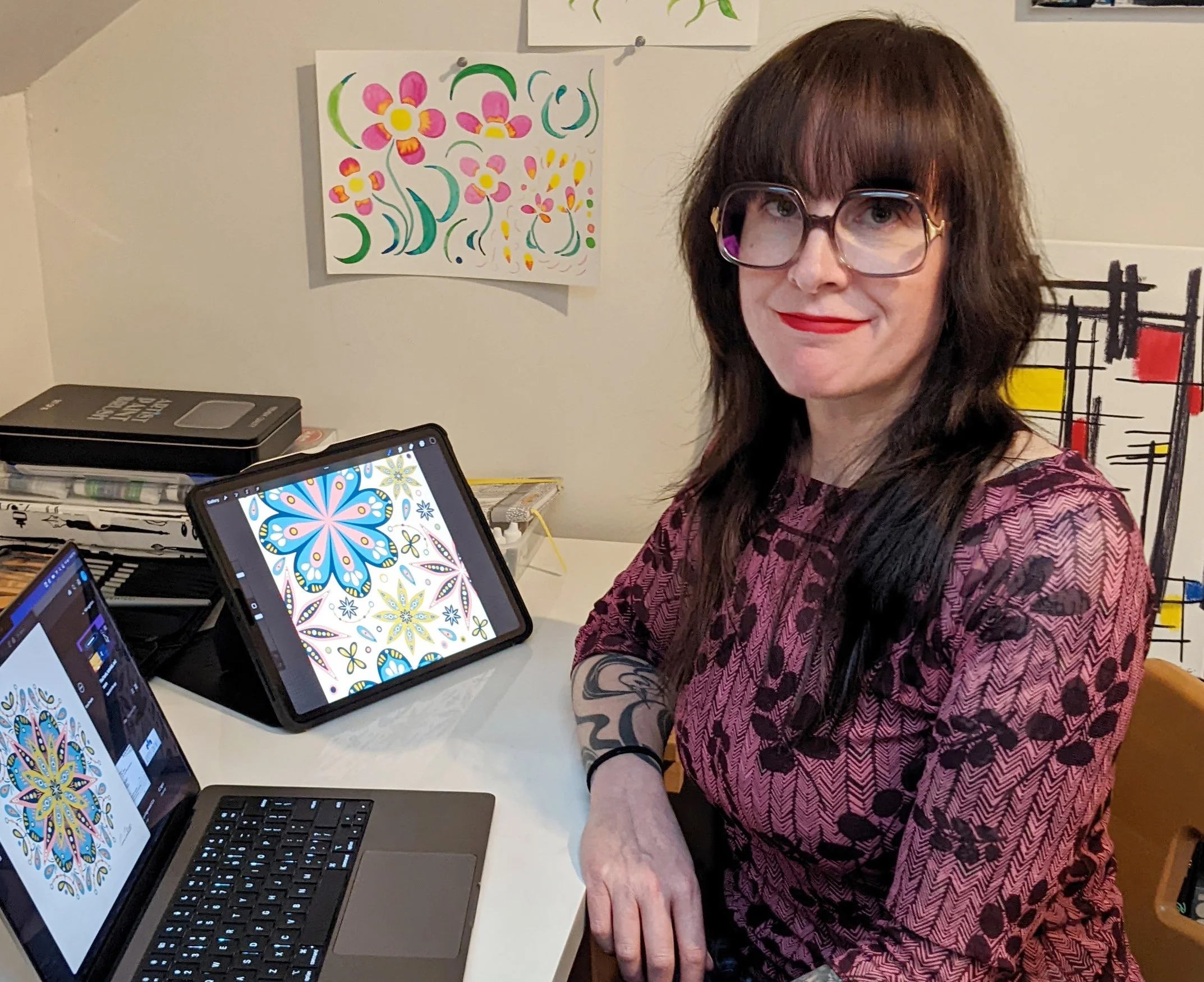
In 2021, I bought an iPad Pro, and it really elevated my illustration process.
I spend a lot of time using Adobe Illustrator on my iPad, but my favorite app right now is Procreate simply because it’s so much fun to draw with! It’s an intuitive app that feels a lot like drawing on paper. Because symmetry is kind of my jam, I adore the drawing guide tool with radial rotational symmetry turned on in assisted drawing mode. I’ve been designing a lot of mandalas lately using this tool because I find it relaxing to explore shapes and color combinations.

My “Fruit Mandala”
When I started using my iPad, I was new to Procreate, so I took a bunch of classes from CatCoq on Skillshare. I learned a lot of helpful techniques for creating beautiful mandalas in her Skillshare class Procreate for Beginners. I started calling it my “fruit mandala” because the color palette reminds me of fresh fruit.
Design Application
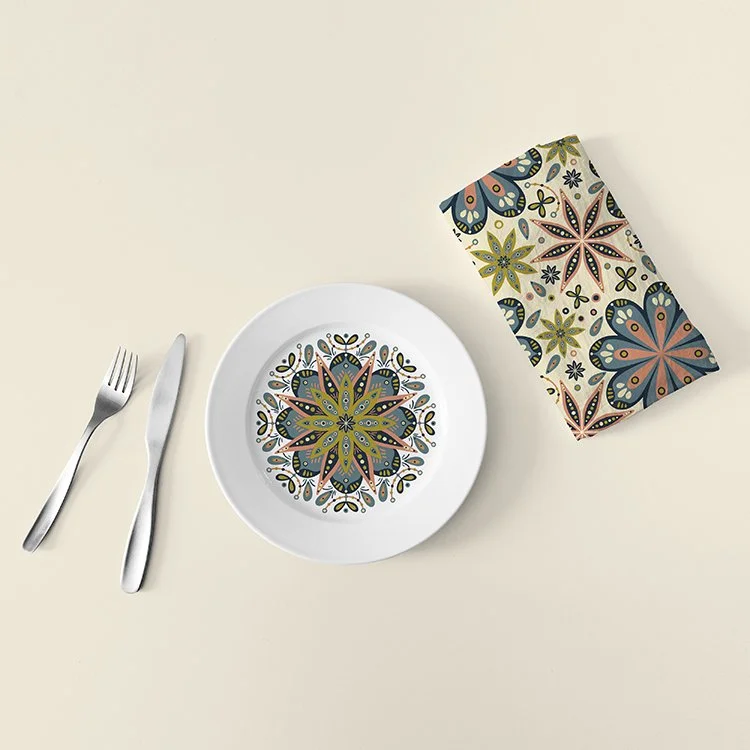
I turned this mandala into a seamless pattern and put it on Spoonflower and Society6. I love seeing all the applications for both the art and the accompanying pattern. Expanding standalone designs into patterns is such a great way to create companion products that work together!
I’ve learned so much through Skillshare that I’m sharing (pun intended) the love: get a Skillshare 1 month free trial and 30% off an annual membership with the promo code ANNUAL30AFF.
Check out my Instagram video below to see how I created it!

Atlanta VegFest
I’m so pleased that my design for the 2020 Atlanta Vegfest poster is also available on t-shirts.


